Understanding MP3 Tags: What They Are and How to Use Them
When it comes to digital music, MP3 files have been the go-to format for years. However, as convenient as they are, MP3 files can be disorganized and difficult to sort through. This is where MP3 tags come in. In this article, we will explore what MP3 tags are, how to use them, and why they are important.
What Are MP3 Tags?
MP3 tags are a form of metadata that provide information about an MP3 file. This metadata can include things like the song title, artist name, album name, track number, and genre. MP3 tags can also include more detailed information like the composer, year of release, and even the album art.
Why Are MP3 Tags Important?
MP3 tags are important because they help organize and categorize your digital music collection. Without them, it can be difficult to find specific songs or albums. MP3 tags can also be used to create playlists, sort music by genre, and create custom album artwork.
How to View MP3 Tags
To view the MP3 tags of a file, you can right-click on the file and select "Properties." From there, select the "Details" tab. This will display all of the available MP3 tag information for that file.
How to Edit MP3 Tags
To edit MP3 tags, you will need a tag editor software. Some popular options include MP3Tag, MusicBrainz Picard, and TagScanner. Once you have a tag editor installed, simply open the software and locate the MP3 file you wish to edit. From there, you can edit the existing tag information or add new tags as needed.
Best Practices for Using MP3 Tags
When using MP3 tags, it is important to follow some best practices to ensure that your music collection stays organized and easy to navigate. Some best practices include:
- Use consistent naming conventions for artist names, album names, and song titles.
- Use proper capitalization and punctuation.
- Include as much information as possible, including the year of release and album art.
- Regularly check and update your MP3 tags to ensure accuracy.
Conclusion
In conclusion, MP3 tags are an important tool for organizing and managing your digital music collection. By providing detailed metadata about each file, MP3 tags can make it easier to find and play your favorite songs. By following some best practices, you can ensure that your MP3 tags are accurate and up-to-date, making your digital music library even more enjoyable to use.
FAQs
- Can MP3 tags be edited on mobile devices?
- Yes, there are tag editor apps available for both iOS and Android devices.
- Can MP3 tags be used to sort music by tempo or mood?
- Yes, some tag editors allow you to add custom tags for things like tempo, mood, and even lyrics.
- Are there any online tools for editing MP3 tags?
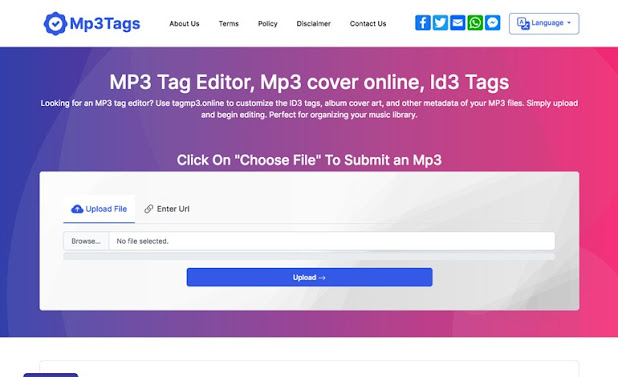
- Yes, there are several online MP3 tag editors available, including Tagmp3.net and Online-convert.com.
- How can I add album art to my MP3 files?
- Most tag editors include an option to add album art. Simply locate the image file on your computer and add it to the appropriate field in the tag editor.
- Do MP3 tags affect the quality of the music file?
- No, MP3 tags do not affect the quality of the music file. They are simply metadata that provide additional information about the file.


Comments
Post a Comment